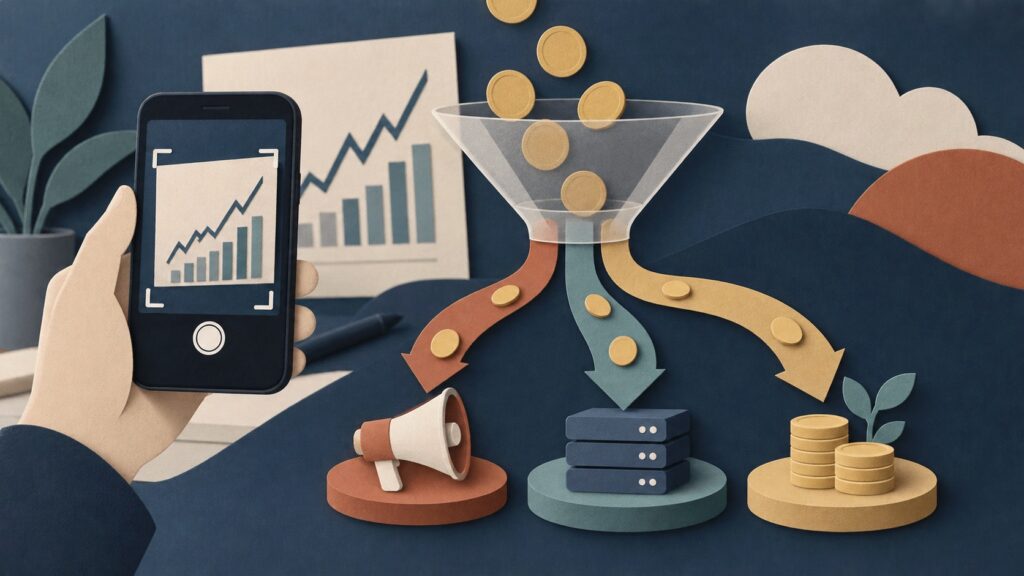

Launch day is easy to overvalue because it is visible. A useful SaaS launch strategy has to account for what happens after it. You can see the upvotes, replies, traffic graph, and congratulatory messages. For a short window, your product feels like an event.
Then the event ends.
An honest three-week post-launch review from the maker of a small Windows utility made the contrast clear. Product Hunt was only one part of the release. A Microsoft Store listing, technical posts, comparison pages, and use-case content created other places for people to discover the product. The maker’s conclusion was simple: launch day did very little on its own; the content that could be found later was the asset that kept working.
That does not mean you should skip a launch. It means you should stop treating the launch as the distribution plan.
For a small product with no audience, the more durable question is: What can a person find when they discover they have this exact problem three months from now?
The answer is rarely a homepage. It is usually a useful page that names a specific job, comparison, error, or decision.
The SaaS launch strategy scoreboard: what to measure in the first 30 days
Without a scoreboard, it is easy to keep doing the loudest activity. Define a small set of measurements that connect launch attention to a real customer journey.
| Time window | Question | Useful evidence |
|---|---|---|
| Launch day | Did the right people understand the product? | thoughtful replies, qualified demo requests, useful objections |
| Days 2–7 | Which message or page created the best conversations? | replies that name a real workflow, trial starts from a relevant page |
| Days 8–14 | Which problems recur after the announcement? | repeated support questions, comparison requests, setup blockers |
| Days 15–30 | Which distribution surface is beginning to compound? | search impressions, returning visitors, relevant backlinks, assisted trials |
Notice what is not on the list: total likes, a vanity position, or raw page views without context. Those can be useful signals, but they do not tell you whether the product is becoming easier for the right person to discover.
Set one outcome metric before launch. It could be five customer interviews, ten completed first-use events, or three pilot conversations with a target segment. Then treat every channel as an experiment that either helps create that outcome or does not.
A launch asset map: what to prepare before you announce
The five pages in this article are a starting point, but each asset should have a named job. A simple map prevents every link from sending people to the homepage.
| Asset | Reader’s question | Best next action |
|---|---|---|
| Homepage | What is this and is it for me? | try or learn more |
| Use-case page | Can this handle my specific job? | view workflow or start setup |
| Comparison page | Should I switch from my current option? | see the trade-offs |
| Guide | How do I solve this task safely? | use the guide or try the product |
| Setup page | How quickly can I get the first result? | begin a focused onboarding flow |
This map also improves launch copy. Instead of announcing “we built a new tool,” you can tell a small, credible story about the job it solves and point the reader to the most useful page. A freelancer in a relevant community may need the guide. A buyer comparing alternatives may need the comparison. The same person should not receive every link.
Turn launch questions into an editorial backlog
Keep a launch-question log for thirty days. Every time somebody asks a serious question, record the exact wording, where it came from, and whether the answer belongs in the product, a support reply, or a public page.
Questions that recur more than twice are candidates for a durable asset. For example, “Does this work with a team?” may become a collaboration page. “Why not use a spreadsheet?” may become a fair comparison. “How long does setup take?” may require both a setup guide and an improvement to the onboarding experience.
This habit is simple but powerful. It means that customer curiosity creates the next distribution surface. Over time, the best launch strategy becomes less about guessing topics and more about documenting the decisions real prospects are already making.
Why launches fade so quickly
Most launch channels have a short half-life. A Product Hunt listing, social post, newsletter mention, or community announcement appears in a feed. Readers who see it on the right day may click. Readers who do not are unlikely to encounter it again.
That is not a flaw. Feeds are built for novelty. The mistake is expecting novelty to compound by itself.
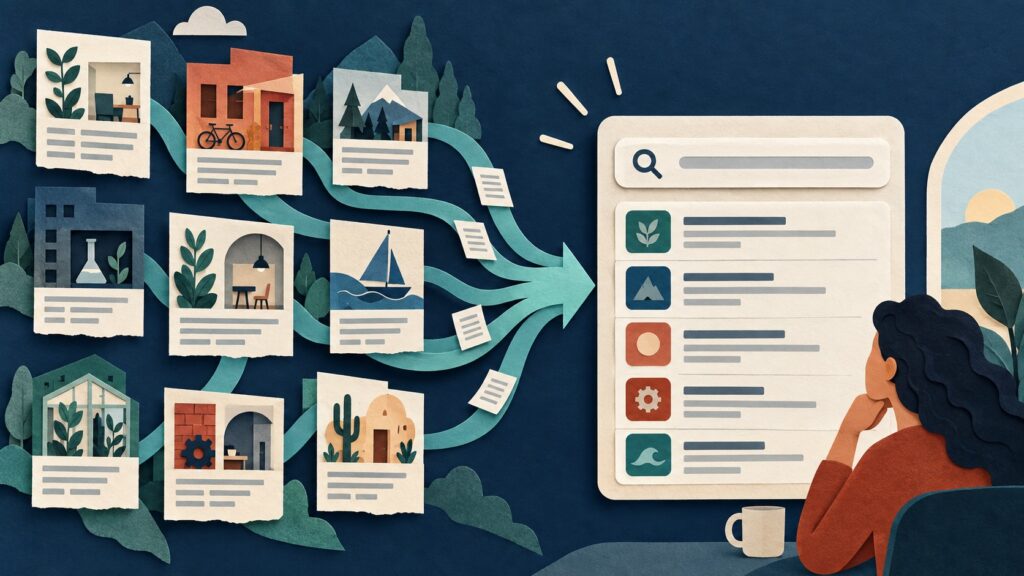
Search and reference content behave differently. A person looking for “how to remove duplicate screenshots on Windows,” “best alternative to X for small agencies,” or “how to export this file format” is not browsing for novelty. They are trying to complete a job. If your page answers it clearly, it can be found long after its publish date.
This difference creates two separate kinds of work:
| Launch work | Compounding work |
|---|---|
| Announces that a product exists | Helps a person with a specific decision or task |
| Peaks quickly | Can attract readers over months |
| Optimised for attention | Optimised for intent |
| Often broad | Usually narrow and concrete |
| Useful for feedback and social proof | Useful for qualified discovery |
Healthy distribution uses both. The launch gives you a reason to tell a story now. The library gives future customers a reason to find you later.
Build pages around moments of intent
Most founders begin with a brand description: “We are an AI-powered platform for X.” That may be appropriate for a homepage, but it is weak as a discovery strategy.
Start instead with the moment right before somebody searches. What are they trying to do? What are they comparing? What broke? What process feels too slow?
For a project management tool, examples might be:
- how to run a client approval process without email chains;
- Notion versus a lightweight agency client portal;
- a client onboarding checklist for a two-person design studio; and
- what to do when a client has not sent required assets.
For a technical desktop tool, examples might be:
- how to sort screenshots by project without uploading them;
- a local alternative to a cloud image organiser; and
- how to find duplicate screenshots before a handoff.
These are not keyword-stuffed blog ideas. They are decisions and tasks. The title should make a promise the page actually delivers.
A useful test is to finish this sentence:
This page is for a person who is trying to ______ and is stuck because ______.
If the blanks produce a clear situation, you probably have a viable page. If they produce “learn about our product,” keep working.
The three page types that earn their place
You do not need fifty articles before launch. You need a small set of pages with distinct jobs.
1. Use-case pages
These show how the product helps a narrowly defined person reach a real outcome. A strong use-case page does not say “for teams.” It says “for small agencies preparing a weekly client report” or “for freelance photographers delivering a final selection.”
Include the old workflow, the desired outcome, the steps, limits, and an honest statement of who should not use the product. The last part improves trust and keeps the page specific.
2. Comparison pages
Comparison content works when the comparison is fair and useful. It should not be a fake list designed to declare your product the winner.
Explain who each option suits, what changes with price or privacy, and which workflow each handles best. A comparison is especially useful when customers already mention a familiar tool in calls or community posts. Their language tells you what to compare.
Avoid creating comparisons for every large competitor just because they have search volume. Start where there is a genuine buying decision.
3. Problem-solving guides
These pages answer a task that can be completed whether or not the reader buys your product. They are useful because they build trust before a purchase decision.
The best guides often arise from support conversations. If you repeatedly explain a workflow, record it as a practical guide. If the guide is only a disguised product tour, readers will feel it. The reader should leave with a better result even if they never sign up.
The narrow page often converts better than the broad post
The CapyBro maker noted that broad-reach posts converted worse than narrow, technical ones. This makes sense. Broad content attracts many people who can agree with the premise. Narrow content attracts fewer people, but those readers recognise the job immediately.
This is not an argument against broad awareness content. It is an argument for measuring the right result.
Suppose an article called “The Future of Local-First Software” receives 10,000 views. It may be good brand work. But if a 700-view guide called “How to keep screenshots off cloud storage on Windows” generates ten serious trials, it may do more for the business.
Track each page by intent, not only visits:
- What query or community question brought the reader there?
- Did they reach the part that demonstrates the workflow?
- Did they start a trial, request a demo, or return later?
- Did they describe their problem in a way that matches the page?
Early on, simple tracking is enough. Put each page in a spreadsheet with its intended reader, job, source of traffic, and resulting conversations. You are looking for pages that attract the right questions, not just the largest visitor count.
A launch week that creates a library
Here is a more useful way to plan a launch week.
Before the launch: write the five answers
Create five pages before you announce broadly:
- one page explaining the core use case;
- one guide to the painful workflow the product improves;
- one honest comparison with the current alternative;
- one page for a narrowly defined customer type; and
- one onboarding or setup guide that makes the first result feel achievable.
You do not need to hide the product. Link to it when it helps. But each page should still be useful without a purchase.
On launch day: tell the story that led to the product
Your announcement should point to a real observation: a frustrating workflow, a customer conversation, a constraint you wanted to remove. Invite feedback about the job, not only compliments about the product.
Choose one or two channels where the target reader already spends time. A launch is not improved by posting the same generic message everywhere. Adapt the story to the context and obey the community’s rules.
After the launch: turn questions into pages
Every serious question is a potential page. If several people ask about a supported system, write the compatibility guide. If they compare you with a spreadsheet, explain the decision. If they worry about privacy, publish the technical explanation.
This is how a launch becomes an editorial backlog rather than a dead-end event.
Do not mistake content volume for distribution
A large back catalogue is not automatically useful. Pages compound only when they are distinct, accurate, and connected to a real question.
Avoid these common mistakes:
- publishing ten generic “top tips” posts that answer the same vague query;
- making competitor pages with no first-hand knowledge;
- writing only about product features rather than user decisions;
- changing titles every week before a page has time to be discovered; and
- sending all internal links to the homepage instead of the most relevant guide or use case.
Depth beats volume. A person who reaches the right page should feel that the author understands the work they are trying to do.
It is also fine to retire a page if it has no meaningful audience or no longer matches the product. Content is a library, not a landfill.
The 30-day distribution surface plan
You can begin with a modest plan.
Week 1: collect language
Read support tickets, sales calls, reviews of existing tools, and forum threads. Write down the nouns and verbs customers use. Do not begin with an SEO tool; begin with the user’s task.
Week 2: publish two high-intent pages
Choose one use case and one problem-solving guide. Include examples, screenshots or diagrams where permitted, and a clear next step.
Week 3: make one honest comparison
Only compare options a buyer genuinely considers. State the situations where the other option is better.
Week 4: review questions and improve
Look for pages that bring good conversations. Add missing detail, link related pages, and create the next page from a repeated question.
At the end of the month, you may not have a traffic chart worth sharing. You should have something better: a clear idea of which jobs bring the right readers to your product.
A quick checklist
- [ ] I know the specific task a future customer will search for.
- [ ] I have a use-case page for that task.
- [ ] I have at least one guide that is useful without buying.
- [ ] My comparison page is fair about where alternatives win.
- [ ] I am measuring qualified actions, not only views.
- [ ] I will turn repeated launch questions into durable pages.
- [ ] I treat the launch as the beginning of distribution, not the whole plan.
Launches create a useful burst of attention. Use it. But build the pages that will still help a person who arrives on an ordinary Tuesday, long after the launch badge and social replies have disappeared.